Your films, your channels,
your subtitles.
One player for everything you already have — on the television, where you watch it.
Download on the App StoreFor Apple TV, tvOS 18 or later. Free to browse; a purchase is what plays.
One player for everything you already have — on the television, where you watch it.
Download on the App StoreFor Apple TV, tvOS 18 or later. Free to browse; a purchase is what plays.
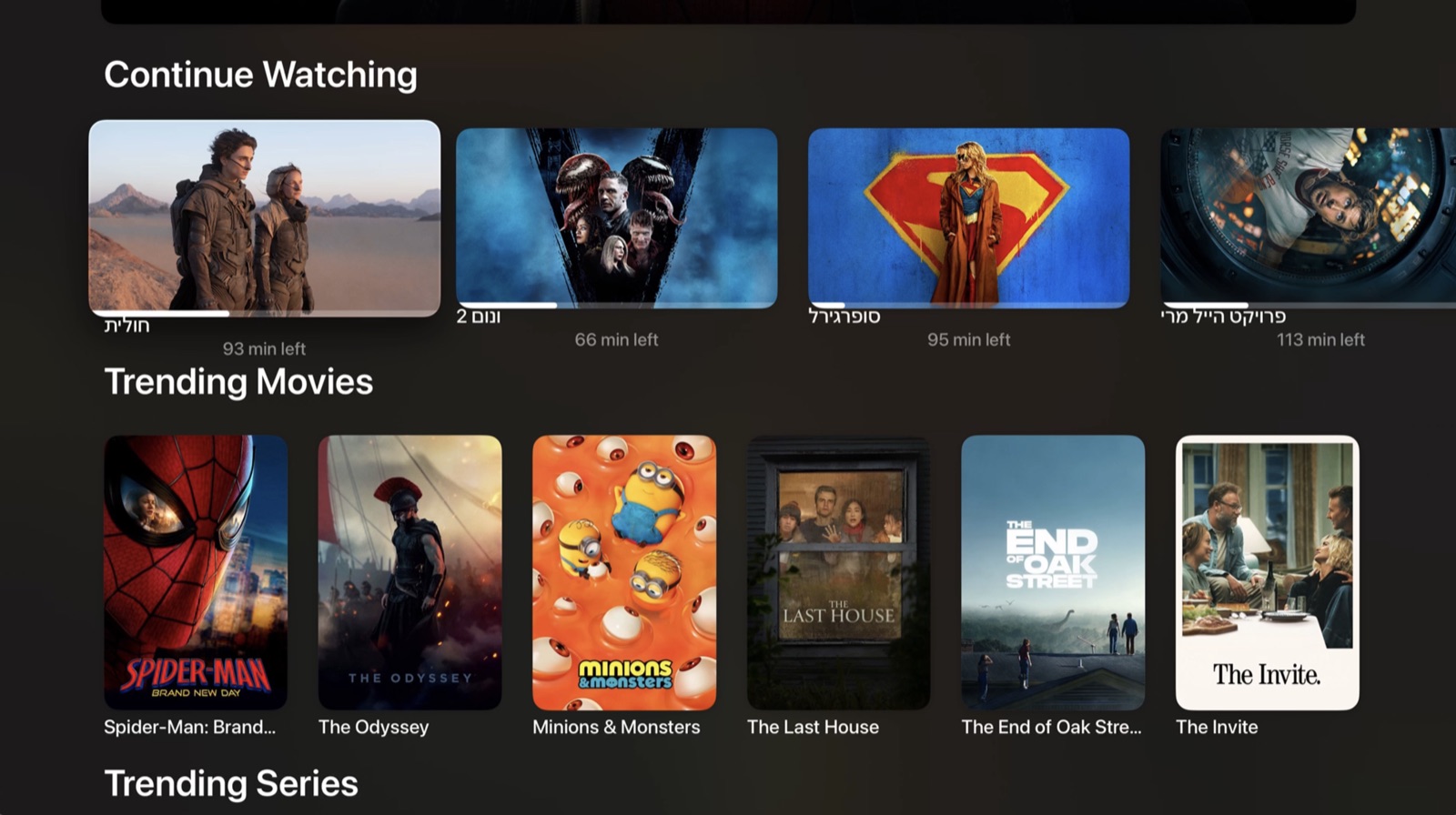
Every screen is designed for a remote and a sofa — not a phone layout stretched to fill a television.
Films, series and live television in a single app, with one remote language across all of them. The playback engine switches itself to whatever the stream needs, so formats that stop other players simply play.
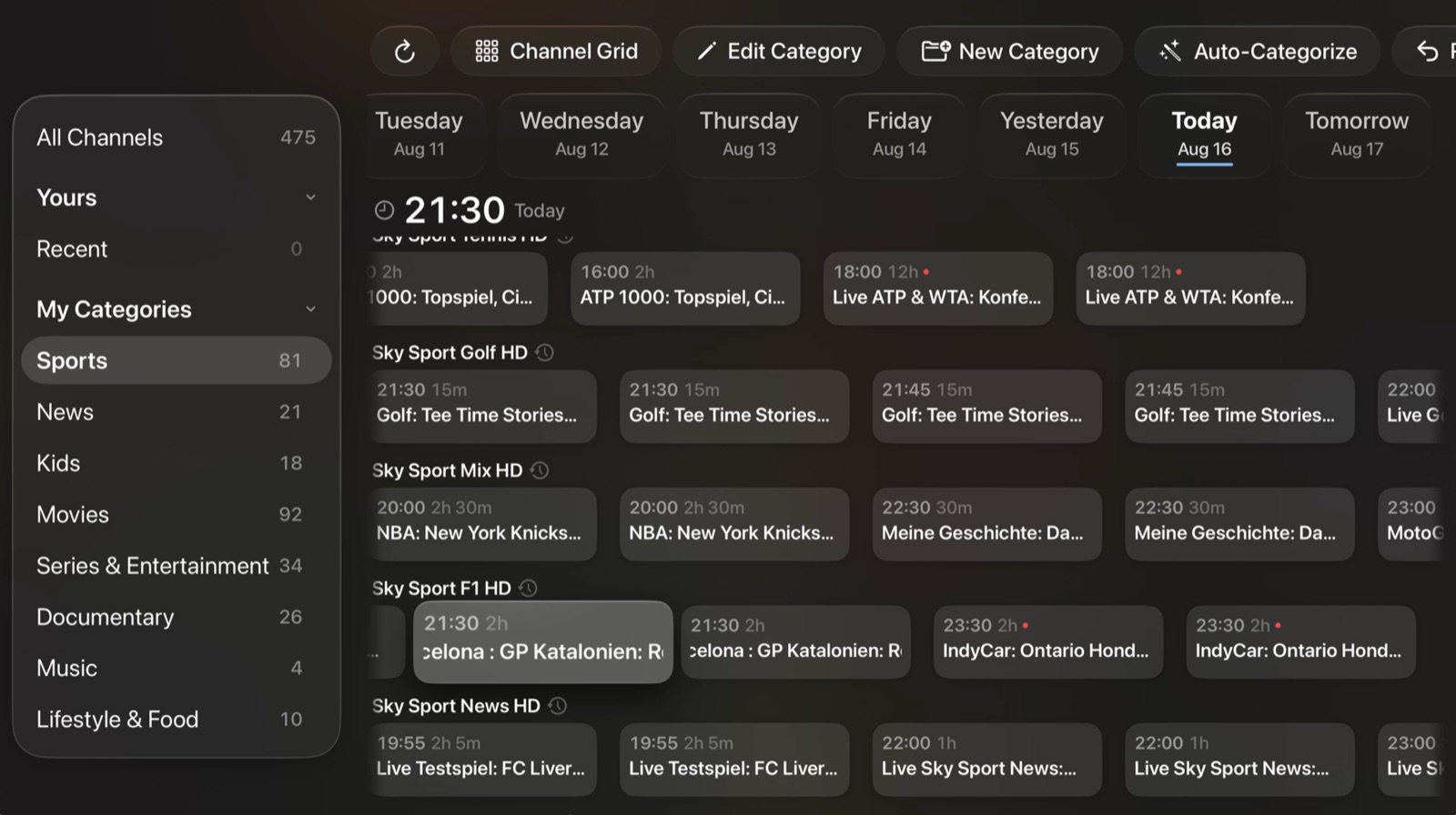
A full programme guide, not a channel list. Arrange your own categories, mark favourites, and go back through catch-up to something that has already aired — from the guide or from inside the player, without losing your place.
Several libraries searched at once, in the order of languages you set. When nothing exists in your language, subtitles can be translated as the film plays.
An ordered list of preferred languages rather than a single guess. The first track a title actually carries is the one you hear, without touching a menu.
Playlists, categories, favourites, where you got to and your preferences follow your Apple ID through your own private iCloud. No account to create, no password to remember, nothing kept on anybody's server.
English, Hebrew, Arabic, Spanish, French, German, Italian and Russian — with genuine right-to-left layout rather than a mirrored guess.
Screens from an Apple TV, not mock-ups.
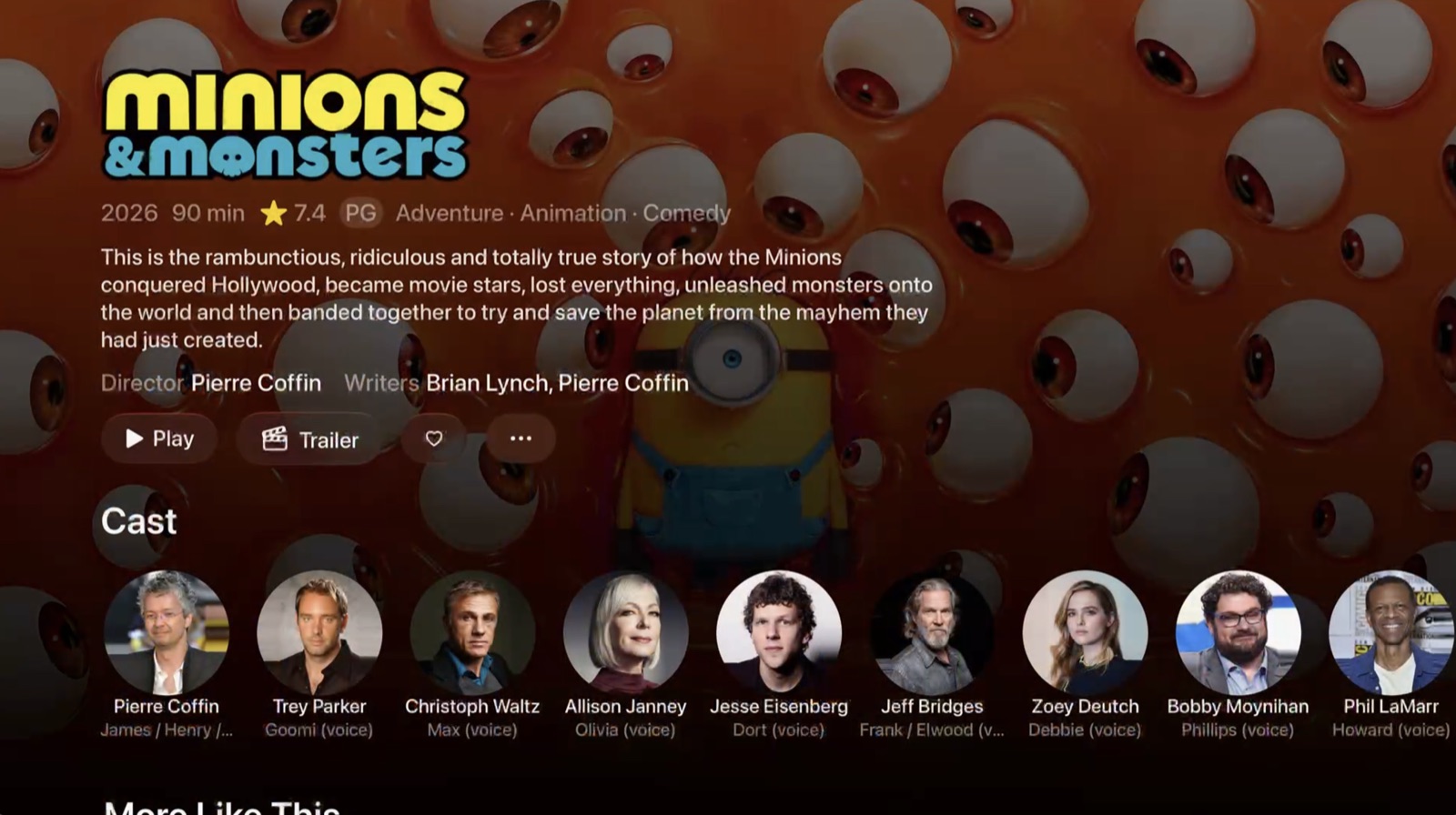
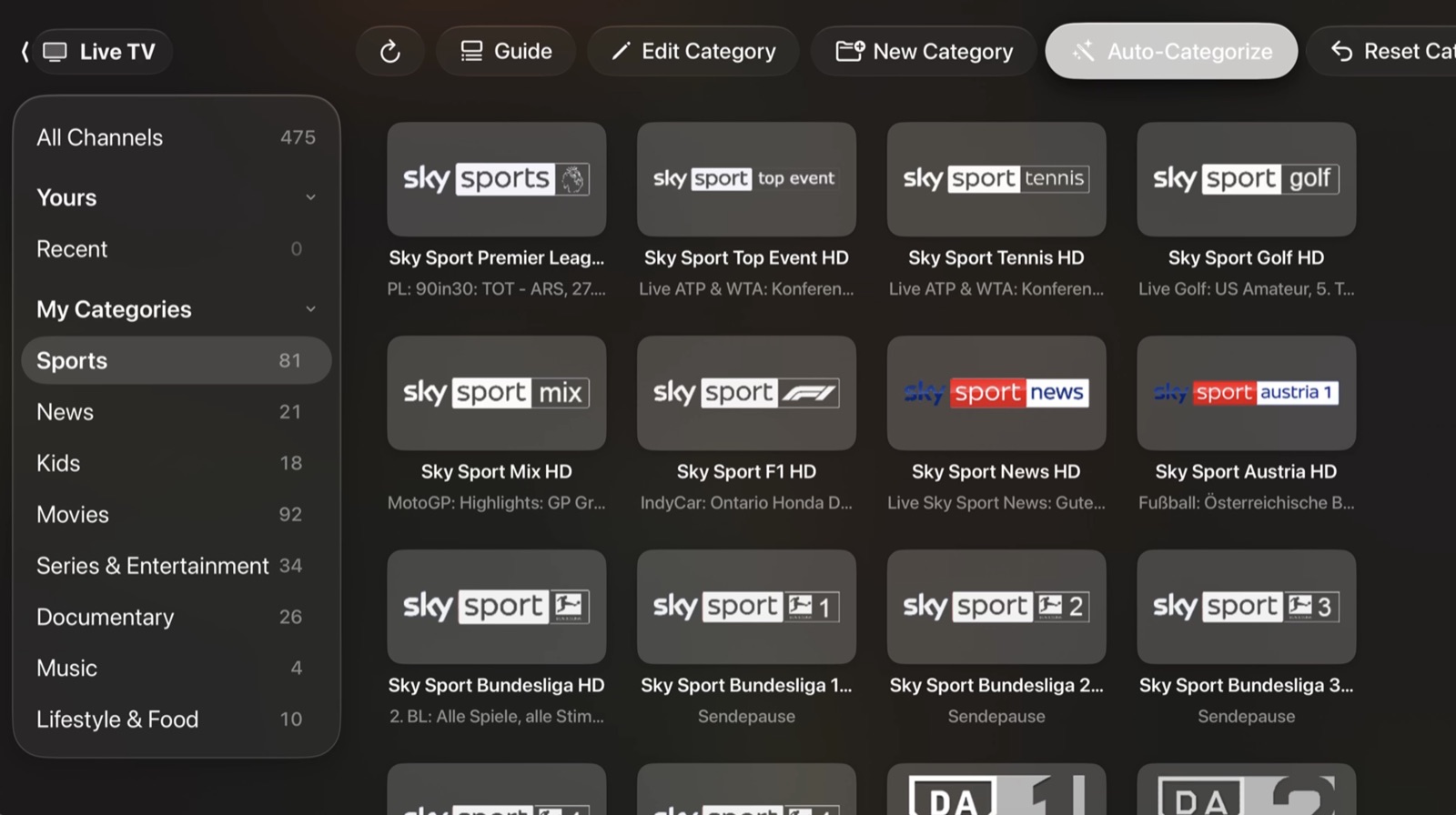
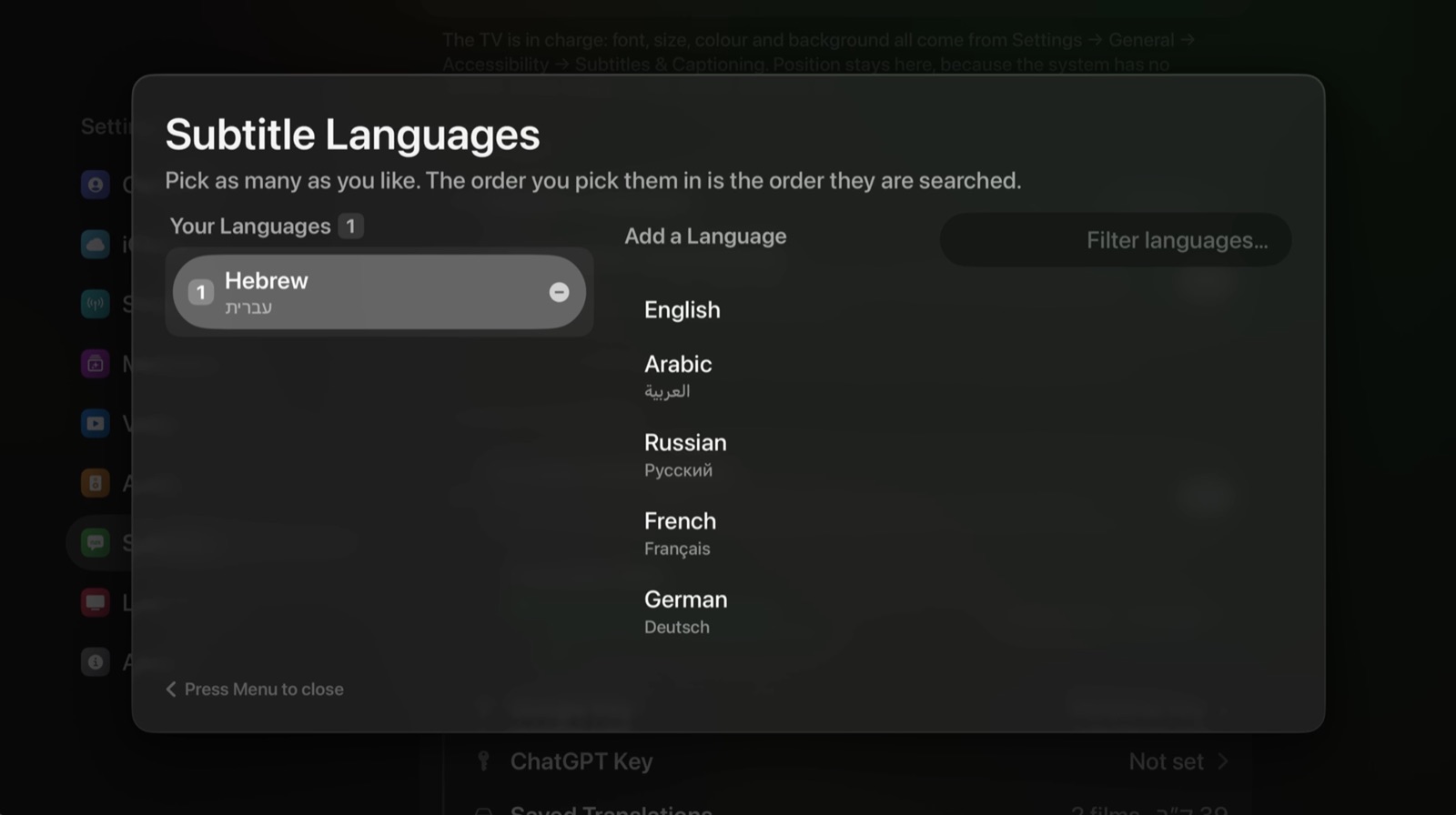
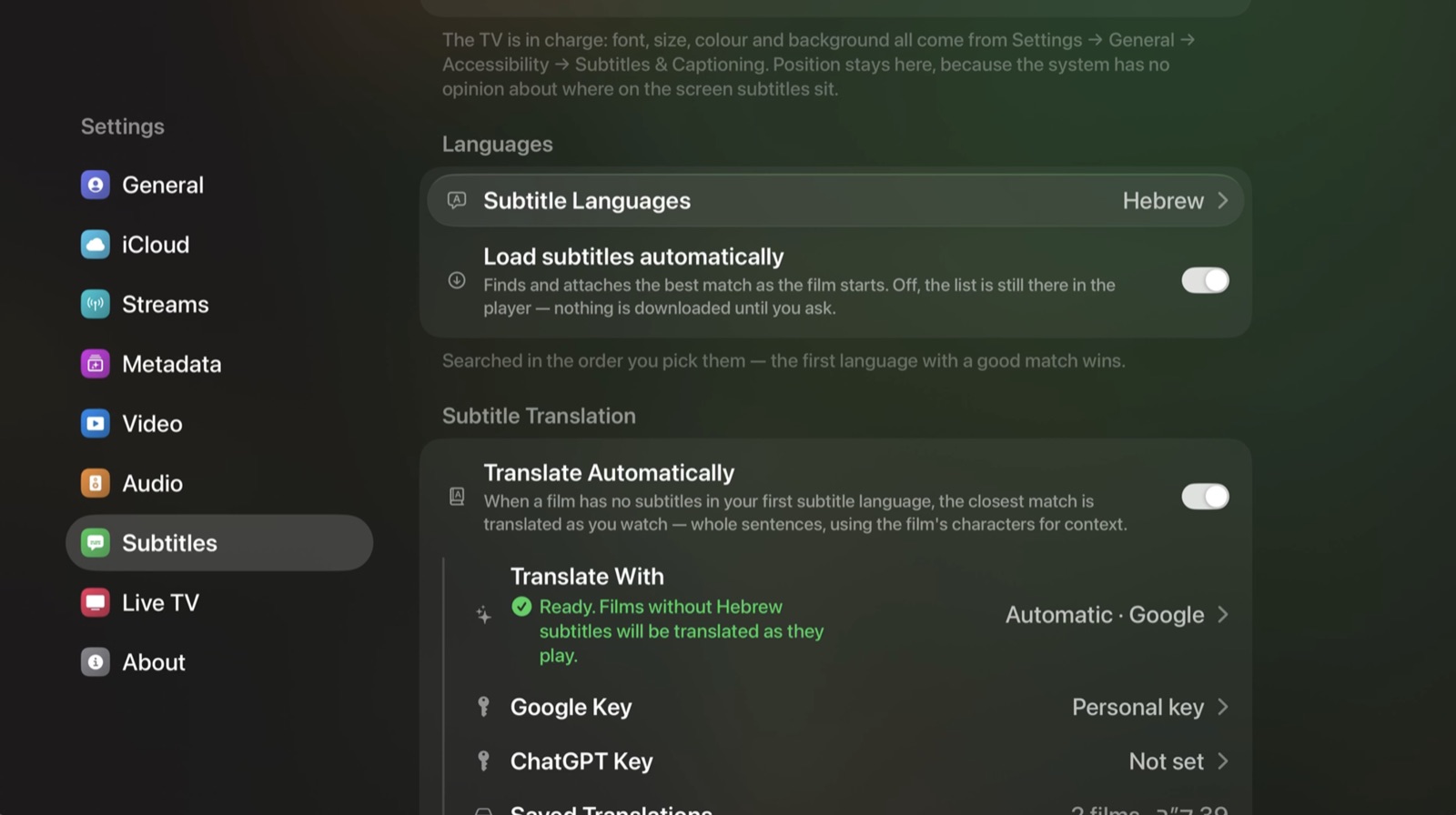
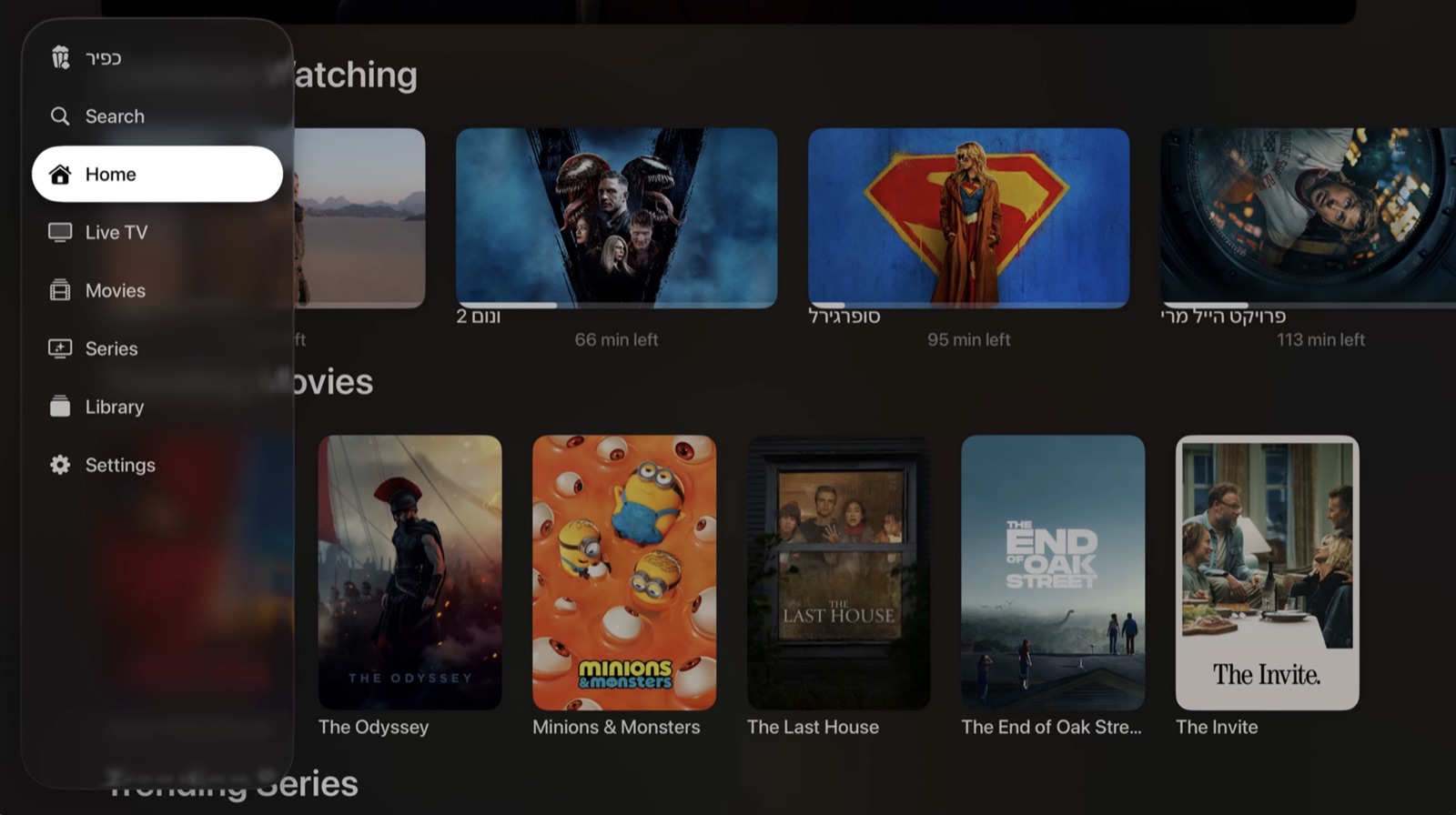
Borp Player ships with no films and no channels, and no way to obtain any. It is a player and a catalogue browser. Until you connect something of your own it shows nothing at all — there is no film to browse, no channel to open, and no screen to reach except the one asking you to connect a source.
Once you have, it plays what that source returns: a playlist address you hold, an Xtream login, a streaming or debrid account of your own. Those services belong to whoever operates them. What you reach through them, and whether you are entitled to reach it, is yours alone.
There are no tiers and nothing is held back. Browsing, adding your sources and arranging your categories are free and always will be — a purchase is what plays them.
$24.99 a year
Free for the first week. Cancel any time — the App Store reminds you before it charges.
$54.99 once
Paid once and never again, including every update.
Get Borp Player on the App Store
Payment is handled by Apple through your Apple ID. A subscription renews unless cancelled at least 24 hours before the period ends; you can cancel at any time in the Apple TV's own Settings.
No accounts. No analytics. No advertising. No tracking. There is no server behind this app to receive anything, and there is not going to be one.
What syncs between your devices goes to your private iCloud — readable by you and by nobody else, including the developer. Passwords and API keys never leave the Apple TV you typed them on.
Questions, problems or a stream that will not play — write to [email protected]. Include your Apple TV's tvOS version and the app version from Settings → About; it is the first thing that gets asked and it saves a round trip.
An independent app for Apple TV. Not affiliated with, endorsed by, or certified by Apple. Apple and Apple TV are trademarks of Apple Inc.